AI photo editor for iPhone and Android
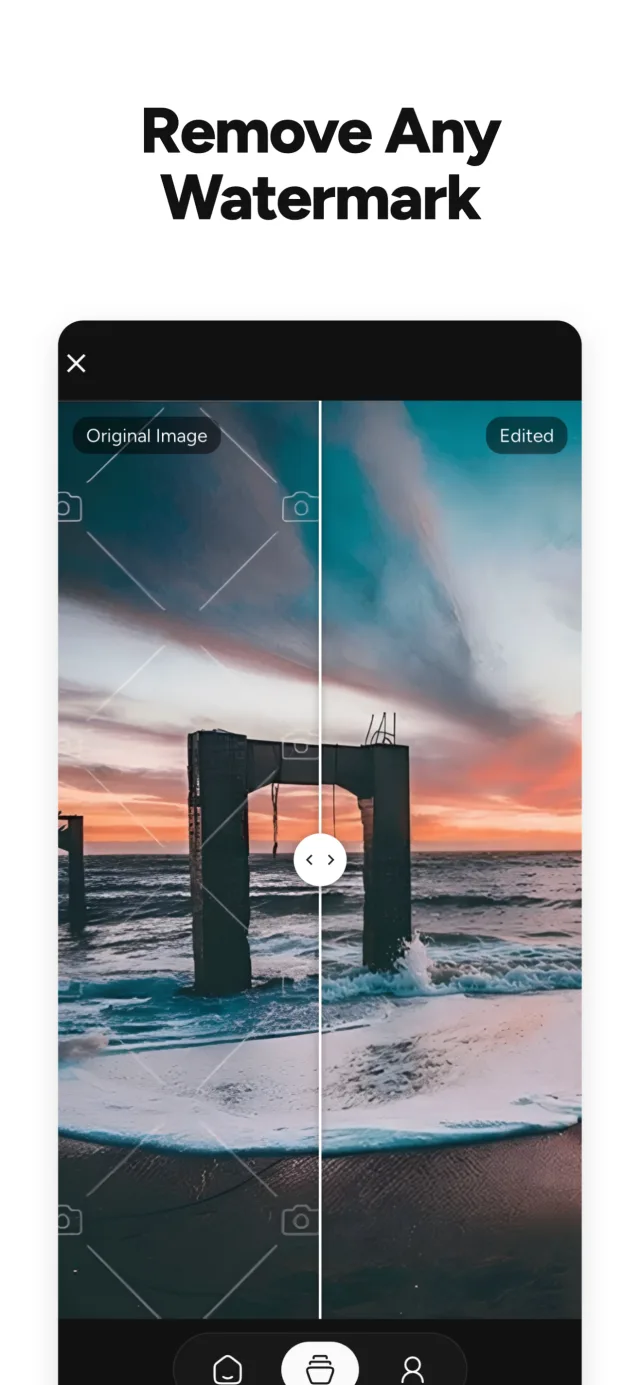
Remove watermarks, backgrounds and anything else.
EzPhoto puts 17 AI tools in one app: erase objects and text, upscale and restore old photos, create professional headshots and convert HEIC to JPG in seconds.
Free daily credits. No watermarks on exports.
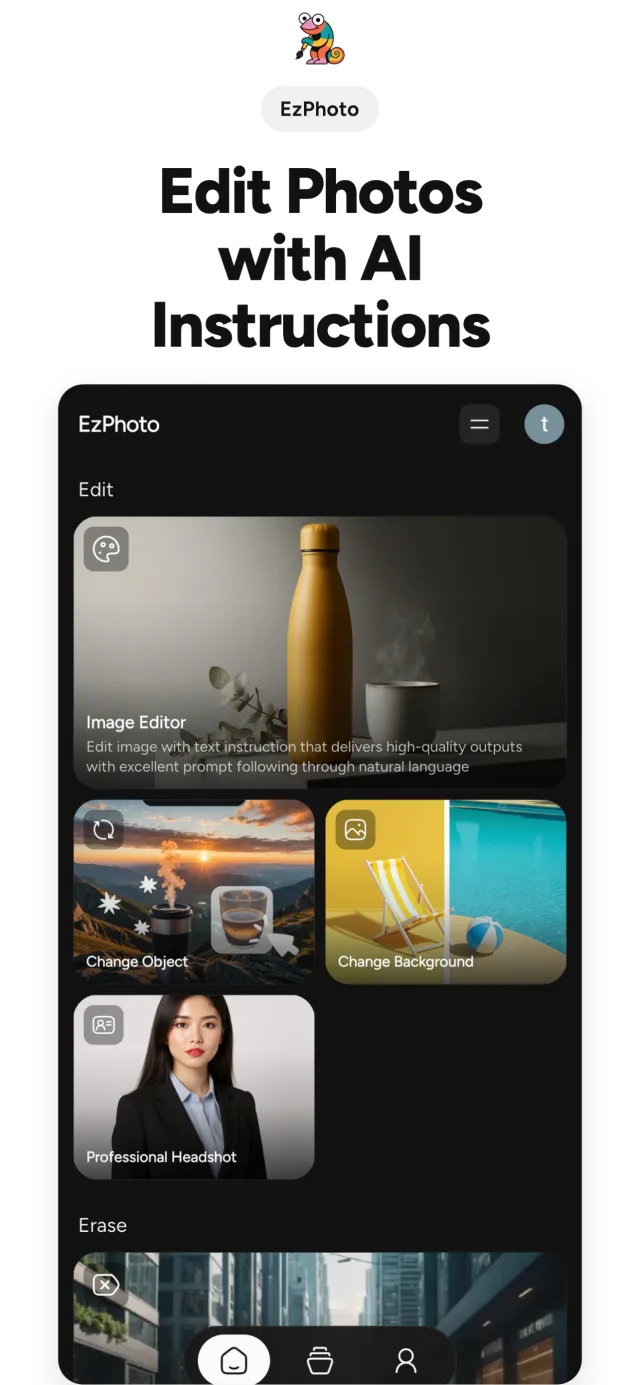
17 AI tools, one simple app
Pick a photo, pick a tool, save the result. Professional edits without the learning curve.
Edit
Describe the change and let AI do the rest.
- Image editor with text prompts
- Change object
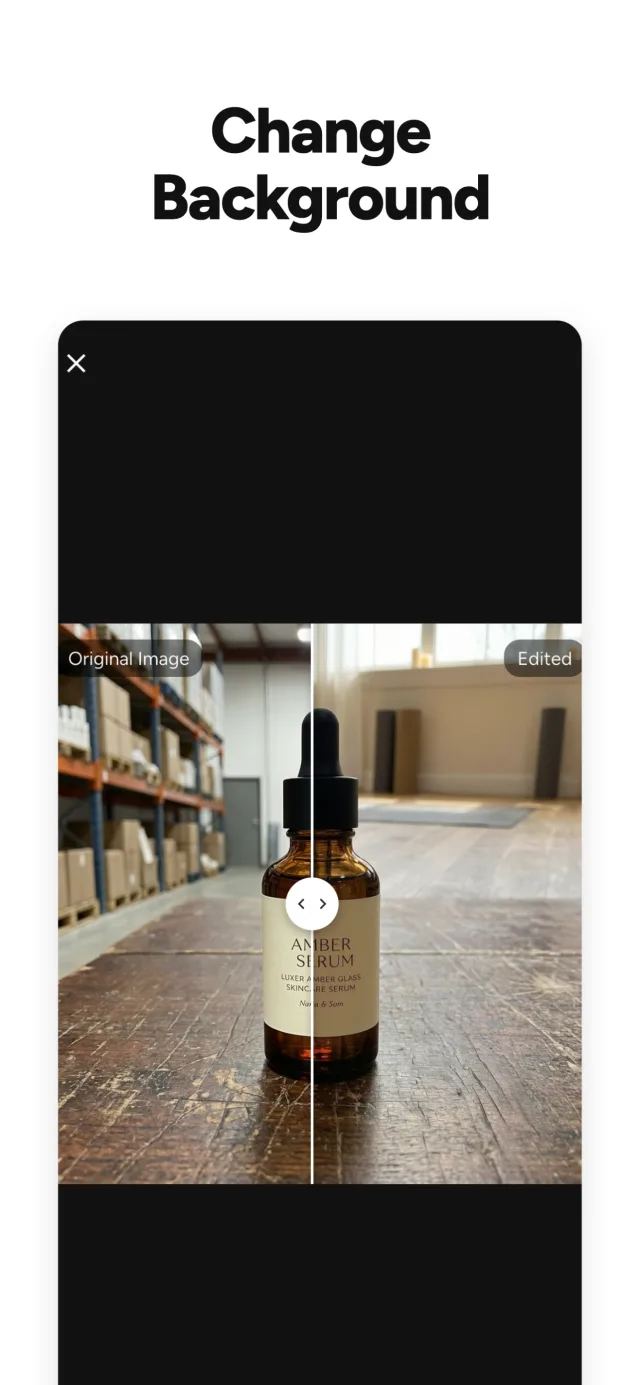
- Change background
- Professional headshot
- Passport and ID photos
Erase
Clean up anything that shouldn't be there.
- Remove watermark
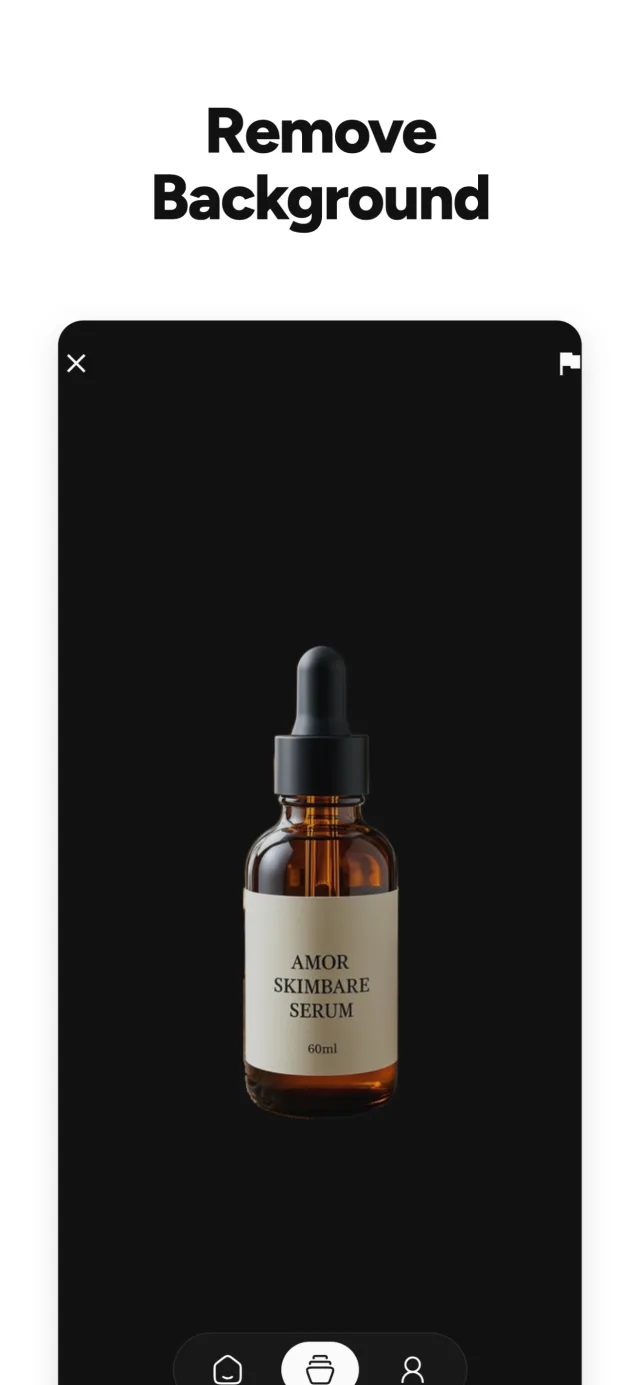
- Remove background
- Remove object
- Remove text
Enhance
Sharper, bigger and better than the original.
- Upscale image
- Resize for any platform
- Restore and colorize old photos
Generate
Turn a sentence into an image.
- Text to image
Utility
The everyday photo jobs, done fast.
- Photo filters
- Compress on device, no credits
- Convert HEIC, JPG, PNG and WebP
- Photo collage
Made for real photo jobs
Clean product listings, resize for every social platform, bring old family photos back to life, or get a studio headshot without the studio.
See it in action

Credits and subscriptions
Is EzPhoto free?
Yes. EzPhoto is free to download, and free users get a limited number of credits every day to use the AI tools.
What does a subscription include?
A Weekly or Yearly subscription unlocks full access to all AI tools and unlimited exports.
Which tools don't use credits?
Compress Image runs locally on your device, so it never uses credits.
Will my exports have a watermark?
No. Photos you export from EzPhoto have no watermark.
Which file formats can I convert?
Convert Image converts between HEIC, JPG, PNG and WebP.
How do I cancel my subscription?
Subscriptions renew automatically until you turn auto-renewal off. Manage or cancel yours any time in your App Store or Google Play account settings.

Fix your next photo in seconds
Free to download, with daily credits to try every AI tool.